Connected Factory Downtime Tracking Guide
Introduction
A plant manager pulled up last month's downtime report and saw 142 hours logged across his 22 machines. He knew, in the way plant managers know these things, that the real number was closer to 250. He just couldn't prove it.
This is the core problem with manual downtime tracking. It's not that operators lie. It's that nobody catches every stop. A six-minute jam doesn't get logged because the operator cleared it and moved on. A 20-minute material wait gets recorded as "10 min" because that's what the operator remembered at the end of the shift. A changeover that ran long gets absorbed into the category of "setup" even though half of it was actually a broken fixture nobody wanted to write up.
Research from the Aberdeen Group and subsequent studies consistently find that manual downtime logs capture only 50 to 70 percent of actual unplanned stops. In a plant running two shifts across 20 machines, that missing 30 to 50 percent is where your OEE number goes to die and where your improvement initiatives quietly fail.
This article is about what connected factory downtime tracking actually looks like, why it works, and how a plant manager tired of arguing with a spreadsheet should think about moving from paper to something that tells the truth.
Why manual tracking misses so much
Think about what a manual downtime log asks an operator to do. They are running a machine. The machine stops. They have to diagnose the cause, fix it if they can, restart the machine, and then stop what they are doing, pick up a clipboard or tablet, and write down what just happened with a duration and a reason code.
That last step is where reality diverges from the report. Operators who are good at their job prioritize getting the machine running again. They are not prioritizing the paperwork. And they shouldn't.
Short stops disappear first. A two-minute clearing a chip from a fixture never gets logged. Neither does a three-minute wait for an inspector. Neither does the 90 seconds it took to reset an alarm because someone leaned on the door. Over a shift, these add up to an hour. Over a month, they add up to a week. None of them are on the report.
Even for the stops that get logged, the durations are rounded. Nobody is running a stopwatch. A stop that was actually 14 minutes becomes "about 15." A stop that was 23 minutes becomes "20 or so." A changeover that ran from 9:47 to 10:31 becomes "45 min at 10." The individual errors are small. The aggregate is a number nobody trusts.
The root cause field is even worse. Operators pick from a short list because a long list slows them down. Every ambiguous stop goes into the same bucket. "Other." "Minor issue." "Operator adjustment." By the time a manager runs a Pareto analysis at the end of the month, the biggest category is a garbage bucket that tells you nothing.
None of this is the operator's fault. It's a system problem. And it only gets solved by taking the logging out of their hands.
What automatic downtime capture actually does
Automatic downtime tracking in an iiot manufacturing context means this: sensors or direct machine signals detect when a machine stops producing, and software records the event without anyone having to write anything down.
The specific signals depend on the machine. A modern CNC with an OPC-UA server can report its own state directly, including the program running, the current tool, the active alarm code, and the exact second the spindle went quiet. A 20-year-old press doesn't expose any of that, but a current sensor on its main motor can tell you, within a second or two, when it stopped drawing power. Vibration sensors, photocells on exit chutes, pressure switches on hydraulic lines, door interlocks, cycle time overruns. All of these are viable signals depending on what the machine is.
The point is that the detection is physical. It does not depend on a human remembering. Every stop gets captured, including the two-minute ones. The duration is accurate to the second, not rounded to the nearest five minutes. The timestamp is real, not reconstructed at the end of the shift.
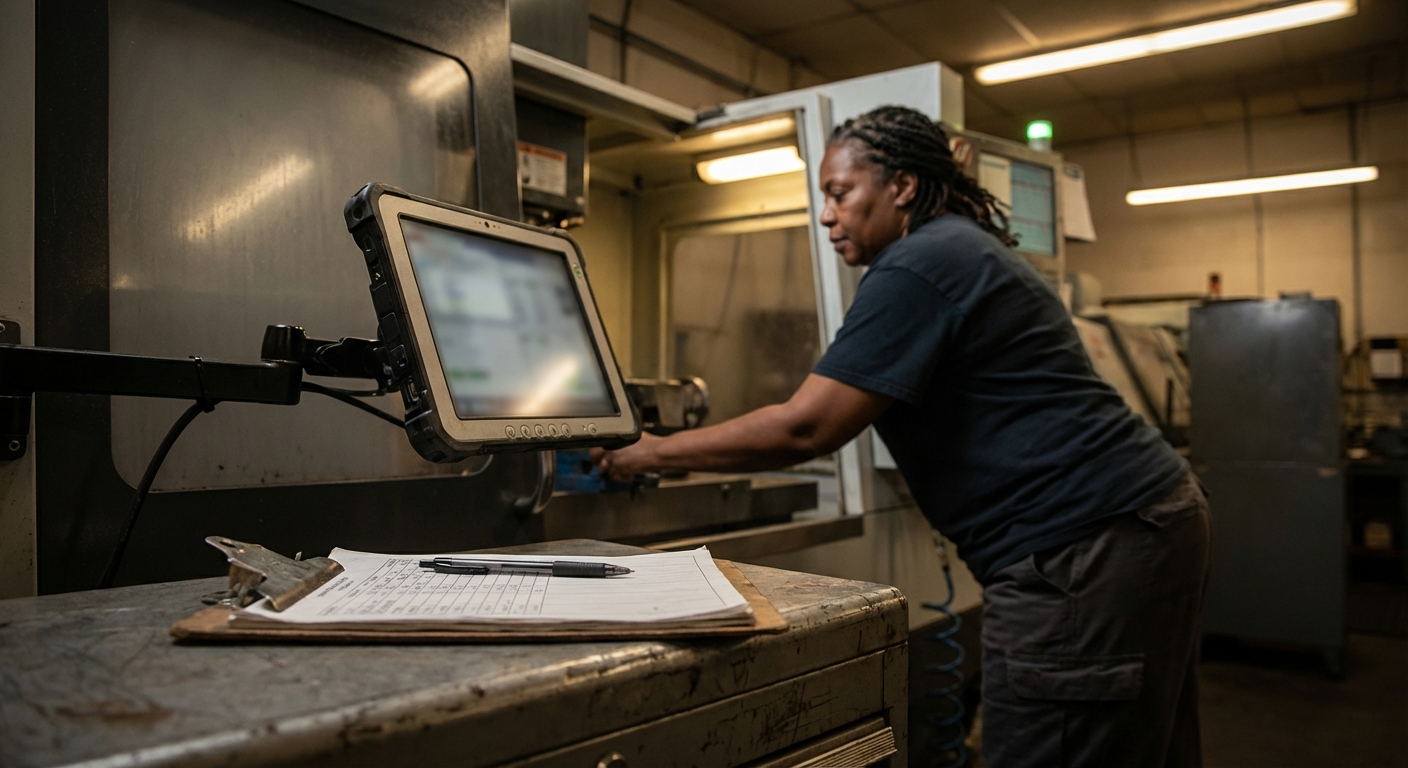
What the system cannot do automatically is tell you why the machine stopped. That still requires human input, but the interaction is different. Instead of asking an operator to remember and write down a log entry an hour after the fact, the system pops up a quick prompt on a tablet next to the machine: "You were down from 10:14 to 10:31. What happened?" The operator picks from a list or types a short note. That's it. The duration is already correct. The timestamp is already correct. The operator is only adding the part the machine couldn't figure out on its own.
This is the difference that makes connected factory downtime tracking work. It doesn't try to automate the part humans are good at (understanding causes). It automates the part humans are bad at (capturing every event accurately) and leaves the rest to the people who actually know what happened.
Root cause categorization that doesn't become a garbage pile
Every plant that tries to track downtime with categories eventually runs into the same problem. The categories are either too few to be useful or too many to be practical. Operators pick "Other" because the right answer is on page three of a dropdown they don't want to scroll through.
Good downtime systems solve this with a two-level structure and a bias toward short lists.
The first level is the big bucket. Usually six or seven categories. Mechanical failure. Tooling. Material. Quality. Setup. Waiting (for anything, person, tool, information, next job). Planned. That's it. Any stop in the plant fits in one of those. Operators learn them in a day.
The second level is the specific reason, and this is where the list gets longer but it only appears after the operator picks a top-level bucket. If they picked Tooling, they see a list of tooling-specific reasons relevant to that machine. If they picked Material, they see material-specific reasons. The specific list is maybe 5 to 10 items for any given bucket, which is short enough to be usable.
The other thing good systems do is learn. If the same operator on the same machine picks "tool breakage" fifteen times in a week, the system can surface that as the top suggestion next time. If a particular fault code always correlates with "coolant low," the system can pre-fill the reason and let the operator confirm or change it. The interaction gets faster over time without losing accuracy.
The goal is a downtime report where the biggest category is something you can actually fix. Not "Other." Not "Minor issue." An actual root cause tied to an actual machine running an actual part, with enough detail that a maintenance planner or a manufacturing engineer can do something about it.
Feeding downtime into OEE and the rest of the stack
Downtime tracking in isolation is useful. Downtime tracking connected to the rest of the manufacturing stack is where the real value shows up.
The most obvious connection is OEE. Availability is one of the three components of OEE, and it's the one that manual tracking chronically overstates. When a plant moves from manual to automatic downtime capture, its OEE number usually drops by five to fifteen points. This is not a regression. It's finally seeing the truth. The plants that handle this well prepare leadership for the drop in advance and frame it as a baseline reset, not a performance collapse.
The next connection is to the shop floor module where operators already work. If downtime events show up in the same system operators use for job tracking, quality checks, and instructions, they become part of the workflow instead of a separate chore. The operator closes out a downtime event in the same UI where they're already logging the job. Friction drops. Accuracy goes up.
The connection to analytics is where plant managers get the insight they've been trying to pull out of spreadsheets. Downtime by machine, by shift, by operator, by part, by week. Patterns that are invisible in a monthly report jump out in a dashboard that updates every minute. The Tuesday afternoon anomaly the operator mentioned six months ago becomes a visible line on a chart, and the conversation shifts from "is this real" to "what do we do about it."
The connection to maintenance is the one that changes the operating model. When downtime events are structured data instead of free text, and when they're tagged with reasons that tie to asset tags, you can start generating work orders automatically from recurring failures. Three "spindle overheat" events on the same machine in ten days doesn't wait for a manager to notice. It triggers a work order. The maintenance team is working from signal, not memory.
This is what an industrial iot stack looks like when it's actually integrated, as opposed to a collection of point tools that don't talk to each other.
Predictive alerts: the next step, not the first step
Once automatic downtime tracking is running reliably, and once the data has been trustworthy long enough that operators and managers both believe it, you can start thinking about prediction.
Predictive in this context does not mean an AI model that tells you a bearing will fail in 47 days. That level of sophistication exists and works in some contexts, but it is not where most plants should start. Predictive in a downtime context usually starts as pattern matching.
A machine that's been running for 14 days without a spindle warmup stop is statistically likely to have one in the next 24 hours. The system can flag it. A particular alarm code that has historically preceded a major fault can trigger a maintenance check before the fault happens. A slow creep in cycle time on a stamping press can indicate die wear long before the part quality degrades enough to reject.
None of this requires deep learning. It requires data you trust and patterns that historical data reveals. Gartner's research on predictive maintenance adoption consistently finds that simple threshold-based alerts, rooted in solid operational data, deliver most of the value before anyone even considers a machine learning model.
The reason this is the last phase of a connected factory rollout, not the first, is because predictions are only as good as the data they're built on. A predictive alert based on manual downtime logs is worthless. A predictive alert based on automatic capture with clean root cause data is actionable. The foundation has to come first.
See WorkCell's connected shop floor for how this progression is supported from the first connected machine through predictive alerting.
What a plant manager should expect in the first 90 days
Rollouts of automatic downtime tracking follow a predictable pattern, and knowing what to expect helps leadership stay patient through the messy middle.
The first two weeks are setup. Sensors or gateways go on the initial machines. The software starts capturing events. Nobody should be making decisions based on the data yet because the calibration isn't done.
Weeks three and four are validation. Every single detected stop has to match something an operator can confirm. If the system says Machine 4 was down from 2:14 to 2:31 and the operator says that was actually a planned break, the rules need to be tuned to exclude break times. If the system missed a stop the operator remembers, the signal source needs to be reviewed. This is the work that decides whether the program succeeds. Skip it and the first report leadership sees will be a fight.
Weeks five through eight are the honest baseline. The data is trustworthy. The OEE number has probably dropped from the previous manual number, which needs to be explained as "we're now seeing what was always there." The first Pareto analysis usually surfaces a surprise. There is almost always one category of downtime nobody knew was as big as it actually is.
Weeks nine through twelve are the first real improvement cycle. The top downtime cause gets attacked. The result shows up in the data within weeks. This is where the program earns its budget and the case for expansion gets made.
If leadership is told up front that the first month is for calibration, the second is for the honest baseline, and the third is for the first improvement, the program survives the period where the raw numbers look bad. If they're not told, they lose patience, and the program gets killed two weeks before it would have paid off.
Conclusion
Manual downtime tracking is a compromise everyone has agreed to pretend is working. Operators know it misses stops. Managers know the numbers are rough. Leadership knows the reports are late. The compromise persists because the alternative used to be too expensive and too hard to install.
That is not true anymore. Smart factory software and industrial iot hardware have gotten cheap enough and easy enough that automatic downtime capture is a realistic option for any plant that wants it. The question is no longer whether it's possible. The question is whether leadership is ready to see the real number.
For most plants, the real number is uncomfortable at first and useful within a quarter. The hidden downtime that manual tracking missed becomes visible, the Pareto analysis becomes actionable, and the spreadsheet that used to absorb weeks of manager time every month becomes something nobody misses.
Start with one machine. Prove the calibration. Earn the baseline. Then expand. That's how connected factory downtime tracking actually gets done.
Want to see automatic downtime tracking on your equipment?
WorkCell captures downtime events directly from machine signals and lets operators tag root causes in seconds, not minutes. Book a demo and we'll show you what it looks like with one of your bottleneck machines.