What Is Production Scheduling? A Complete Guide
Introduction
Your schedule says the CNC should be running Job 4523. Your shop floor says it's still on 4521. And the operator just went to lunch.
This gap between plan and reality is why production scheduling matters. It's not about making a perfect plan. It's about having a system that keeps up with what's actually happening.
Production scheduling is the process of deciding what gets made, when, where, and by whom. When it works, orders ship on time. When it doesn't, you're firefighting until the weekend.
This article explains what production scheduling actually is, why it makes or breaks manufacturing operations, and what separates effective scheduling from the whiteboard-and-hope approach.
What is Production Scheduling?
Production scheduling is matching your orders to your capacity. It's the tactical layer between "we need to make 500 units this month" and "Machine 3 runs Part A at 2pm on Tuesday."
Here's what goes into a production schedule:
Orders. What needs to be made, how many, and when it's due.
Resources. Your machines, your people, your tools. The capacity you have to work with.
Routings. The steps required to produce each item. Which operations, in what sequence, at which stations.
Constraints. Everything that limits what you can do: machine capacity, labor availability, material on hand, setup times, and dependencies between operations.
The output is a sequenced plan that tells everyone what to work on and when. A good schedule maximizes throughput while hitting delivery dates. A bad one creates bottlenecks, idle time, and a lot of phone calls to angry customers.
Production scheduling isn't a one-time exercise. It's a living system. Orders change. Machines break. Priorities shift. Your schedule needs to adapt, or it becomes fiction by 10am.
Why Production Scheduling Matters
Poor scheduling costs more than most manufacturers realize. It's not just missed deadlines. It's a cascade of problems that compounds every day.
The Cost of Poor Scheduling
Late deliveries. When jobs run behind schedule, customers don't get their orders on time. Some will complain. Some will leave. The ones who stay start adding buffer to your lead times. They order earlier, which means more WIP, which means more chaos.
Idle machines. Without clear priorities, operators wait for direction. Machines sit idle while supervisors hunt for the next job. Utilization drops. Costs stay the same.
Expediting everything. When the schedule falls apart, everything becomes a rush order. Premium shipping. Overtime. That job you pulled from the queue to squeeze in something "urgent." Expediting is expensive, and it's a symptom, not a solution.
Firefighting culture. Bad scheduling means constant surprises. Supervisors spend their day reacting instead of managing. Good people burn out. Problems recur because nobody has time to fix root causes.
The Payoff of Getting It Right
Effective production scheduling flips all of this:
- On-time delivery improves. When the schedule is realistic and visible, commitments become reliable.
- Lead times shrink. Less WIP waiting in queue means faster throughput.
- Resource utilization increases. Machines run the right jobs in the right sequence. Operators know what's next.
- Predictability replaces chaos. Problems still happen, but they're exceptions, not the default.
The difference between scheduled and unscheduled production is the difference between running a business and running around.
How Production Scheduling Works
At its core, production scheduling is loading work onto resources and sequencing it intelligently. Here's how the process typically works:
The Core Components
Every production schedule needs the same building blocks:
- Demand. The orders, quantities, and due dates you're working toward.
- Capacity. The resources available: machines, workstations, labor hours.
- Routings. The sequence of operations for each product or part.
- Constraints. The rules that limit what's possible: setup times, shift schedules, tooling, material availability.
The Scheduling Process
Whether you're using software or a whiteboard, the process follows the same logic:
- Load orders onto resources. Assign jobs to machines based on capability and routing requirements.
- Sequence based on priority. Decide the order jobs run. Use due date, customer priority, or whatever rules make sense for your shop.
- Identify conflicts. Find bottlenecks where demand exceeds capacity.
- Adjust and balance. Move jobs, add shifts, or reschedule to resolve conflicts.
- Dispatch to the floor. Communicate the schedule to operators and track progress.
The challenge isn't the logic. It's doing it fast enough to keep up with reality.
In a job shop with hundreds of active orders, manual scheduling breaks down. You can't recalculate the whole schedule every time something changes. That's why manufacturing software exists: to make this process sustainable.
Manual Scheduling vs. Software
There's nothing wrong with whiteboards and spreadsheets. They work fine when you have five jobs and three machines. The problem is what happens as you grow.
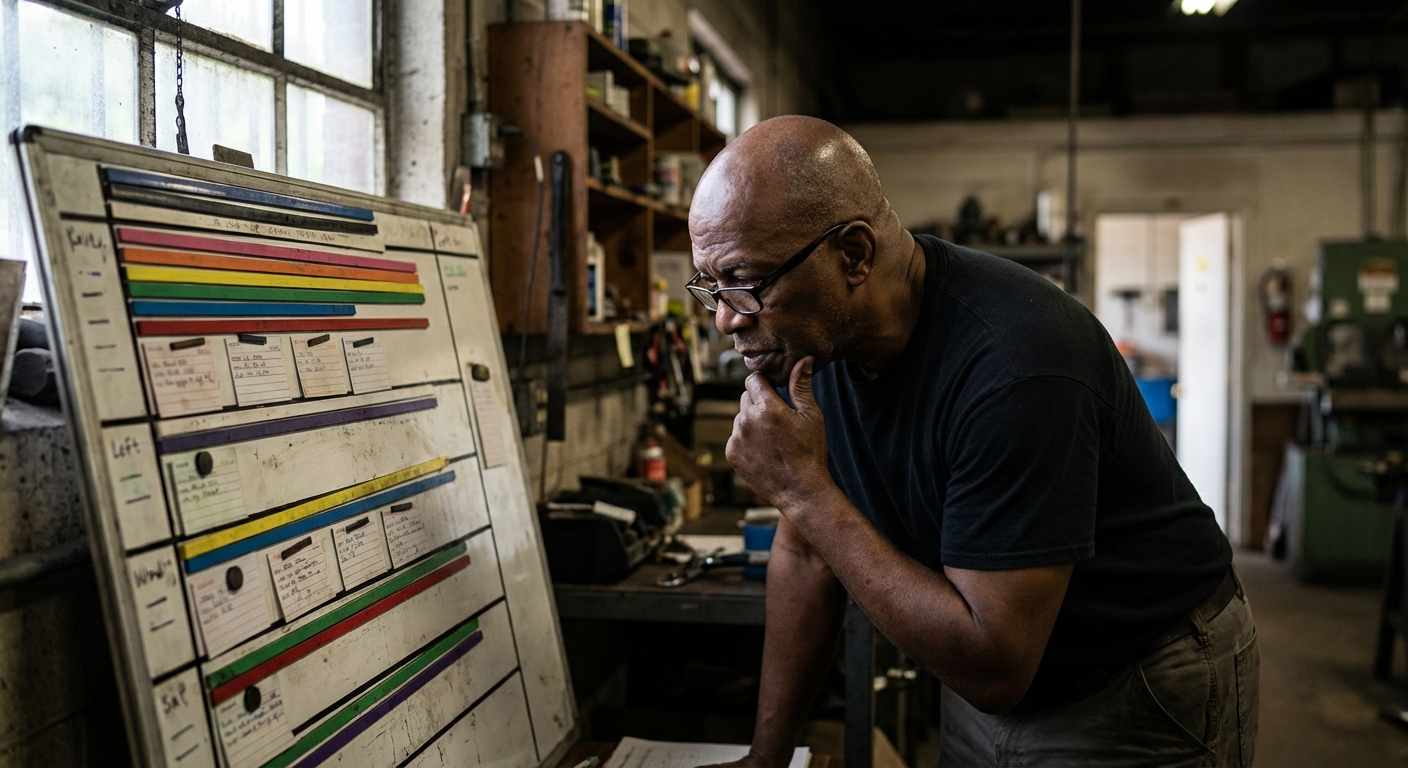
The Whiteboard and Spreadsheet Era
Manual scheduling has limits:
Visibility. The whiteboard is in one room. The spreadsheet is on one person's computer. Everyone else guesses, or interrupts to ask.
Staleness. Manual updates happen when someone remembers. By afternoon, the schedule doesn't match reality.
Single point of failure. The person who built the spreadsheet is the only one who understands it. When they're out, so is the schedule.
Doesn't scale. What works for 10 jobs collapses at 100. The time to maintain the schedule grows faster than the business.
Modern Production Scheduling Software
Software solves these problems, if it's built right:
Visual scheduling. Gantt charts, Kanban boards, calendar views. See the schedule at a glance. Drag and drop to make changes.
Automatic conflict detection. Software knows when you've overloaded a machine or double-booked a resource. It tells you before it's a problem.
Real-time updates. When something changes, the schedule changes. Everyone sees the same current state.
Shared visibility. Sales sees production status. Operators see what's next. Managers see the whole picture. No more "let me check with the floor."
The best scheduling software doesn't just replace the whiteboard. It eliminates the coordination overhead that whiteboards require.
Real-Time Scheduling vs. Static Scheduling
Not all scheduling software is equal. The biggest differentiator is whether the schedule updates in real time or operates in batch mode.
Static scheduling means you create a plan, print it out, and hope for the best. You might update it daily, or when things get bad enough to force a replan.
Real-time scheduling means the schedule reflects what's happening now. When a job finishes early, the next job moves up. When a machine goes down, affected jobs shift automatically. No waiting for the overnight batch run.
Why does this matter? Because manufacturing doesn't pause while you update a spreadsheet.
A machine breaks at 9am. With static scheduling, you might not know until the daily status meeting, hours of lost capacity later. With real-time scheduling, you know immediately. The schedule adjusts. Other resources pick up slack. Recovery starts in minutes, not hours.
Modern real-time systems use WebSocket technology to push updates instantly. No refresh button. No delays. The schedule you see is the schedule you have.
What to Look for in Production Scheduling Software
If you're evaluating scheduling tools, here's what actually matters:
Visual scheduling. Gantt charts with drag-and-drop. Multiple views (calendar, Kanban). You should be able to understand the schedule at a glance.
Real-time updates. Not hourly syncs. Not overnight batch jobs. Live updates as events happen. Anything less and you're flying with stale instruments.
Constraint handling. Finite capacity scheduling that respects your actual limits. Dependencies between operations. Setup time optimization.
Resource visibility. See what each machine and operator is doing, now and for the next week. Spot gaps before they become problems.
Integration. The schedule should connect to inventory, orders, and the shop floor. Disconnected systems create disconnected data.
Ease of use. If operators won't use it, it won't work. Shop floor software needs to be simple enough that people actually log jobs without being forced.
The right software makes scheduling feel like visibility, not overhead. If you're spending more time maintaining the system than using the insights, something's wrong.
Frequently Asked Questions
What is the difference between production planning and production scheduling?
Planning is strategic: deciding what products to make this quarter or month to meet demand. Scheduling is tactical: assigning specific jobs to specific resources on specific days. Planning answers "what and how much." Scheduling answers "when and where." In manufacturing ERP terms, planning often happens in MRP; scheduling happens on the Gantt chart.
What are the stages of production scheduling?
Most scheduling follows five stages: (1) load incoming orders, (2) assign resources based on routings and capability, (3) sequence operations by priority, (4) balance capacity and resolve conflicts, (5) dispatch to the shop floor and track execution. Modern software handles these continuously rather than in discrete phases.
Can small manufacturers benefit from production scheduling software?
Yes, often more than large ones. Small shops typically run leaner with less buffer. When one job slips, everything shifts. Good scheduling software provides visibility and agility that helps small teams compete with larger operations. You don't need hundreds of machines to need a real schedule.
Conclusion
Production scheduling is deciding what gets made, when, where, and by whom. It's the bridge between your order book and your shop floor.
Done poorly, scheduling creates chaos. Late deliveries. Idle machines. Supervisors who spend their days firefighting instead of managing.
Done well, scheduling creates predictability. Orders ship on time. Resources run efficiently. Problems get caught early because everyone sees the same data.
The old way, whiteboards and spreadsheets, worked when manufacturing was simpler. Today's reality demands more: shorter lead times, higher variability, customers who expect updates in real time.
Real-time scheduling software isn't a nice-to-have anymore. It's the baseline for competing.
Ready to see what real-time production scheduling looks like?
WorkCell's scheduling engine updates live. Not hourly, not daily. Drag-and-drop Gantt charts. Automatic conflict detection. Everyone sees the same schedule, always current.
Book a demo and we'll show you what it looks like with your actual data.